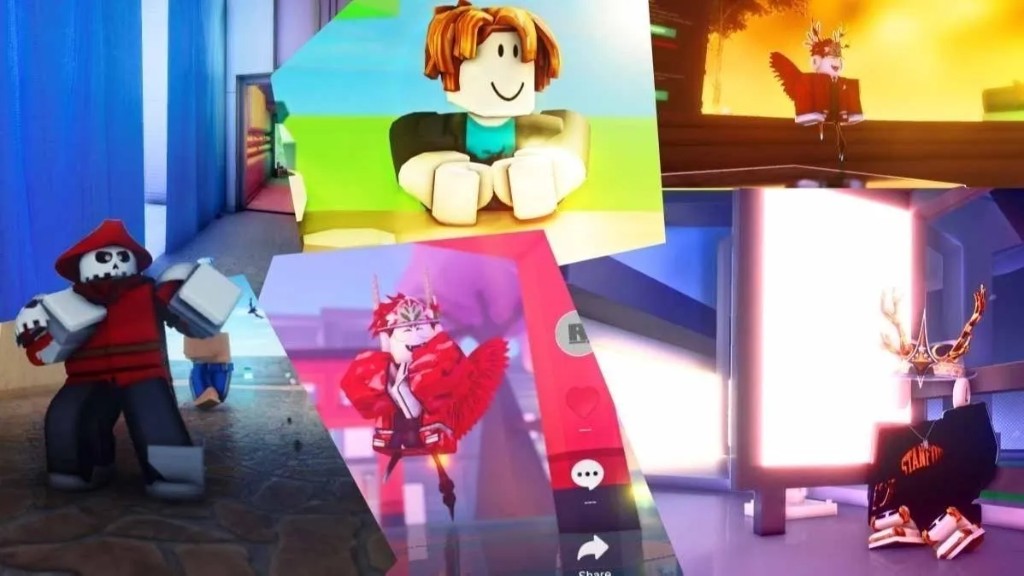
RoShade on Windows 11 — Chrome & Edge
Windows 11 ships with Microsoft Edge and most players install Google Chrome. Both browsers support unpacked extensions, which is how RoShade installs. The process is the same as on Windows 10 — see our full install guide.
Quick steps for Windows 11
- Download RoShade from the download page.
- Right-click the ZIP → Extract All → choose a folder.
- Open Edge at
edge://extensionsor Chrome atchrome://extensions. - Enable Developer mode → Load unpacked → select the RoShade folder.
- Open roblox.com, launch a game, enable shaders from the toolbar icon.
Windows 11 SmartScreen may ask you to confirm the download — RoShade is a client-side browser extension only. For the best visuals try Brookhaven shaders or Roblox bloom in night maps.