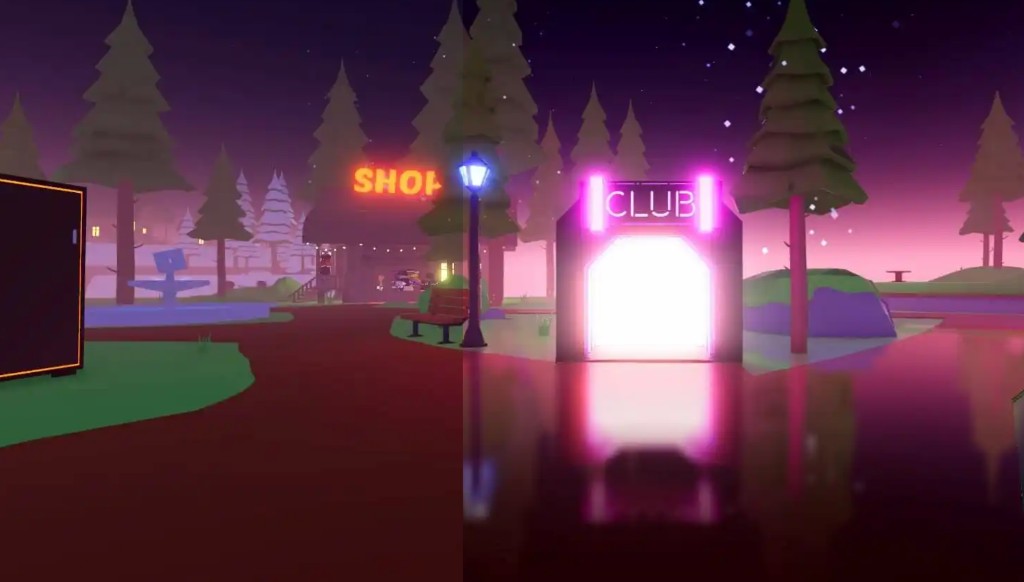
How to get shaders on Roblox
Roblox does not ship built-in post-processing effects. To get shaders you need a tool that adds bloom, fog and shadows on top of the web player. RoShade does this entirely in your browser — no Roblox files are modified and nothing is injected into the game client.
How to install Roblox shaders (RoShade)
- Download — get the latest ZIP from our RoShade download page.
- Extract — unzip to a folder you will keep (e.g. Documents/RoShade).
- Load extension — Chrome/Edge: open
chrome://extensions, turn on Developer mode, click Load unpacked, pick the folder. Firefox: openabout:debugging→ This Firefox → Load Temporary Add-on. - Play Roblox — go to roblox.com, launch any game, click the RoShade icon and hit Enable Shaders.
On Windows 11 the steps are identical for Chrome and Edge. Prefer not to use ReShade? See Roblox shaders without ReShade.